


Auk Video compared with Opus Clip, Vizard, and Klap.
Opus Clip alternative: Auk Video vs Opus Clip
Auk Video is an Opus Clip alternative that picks moments from your video, crops to whoever is talking, captions every word and opens each clip in an editor.
Vizard alternative: Auk Video vs Vizard
Auk Video is a Vizard alternative that crops to whoever is talking and gives two to four people their own boxes when they share a shot.
Klap alternative: Auk Video vs Klap
Auk Video is a Klap alternative you can test on your own video: new accounts get free credits with no card and can download their clips, with a watermark.
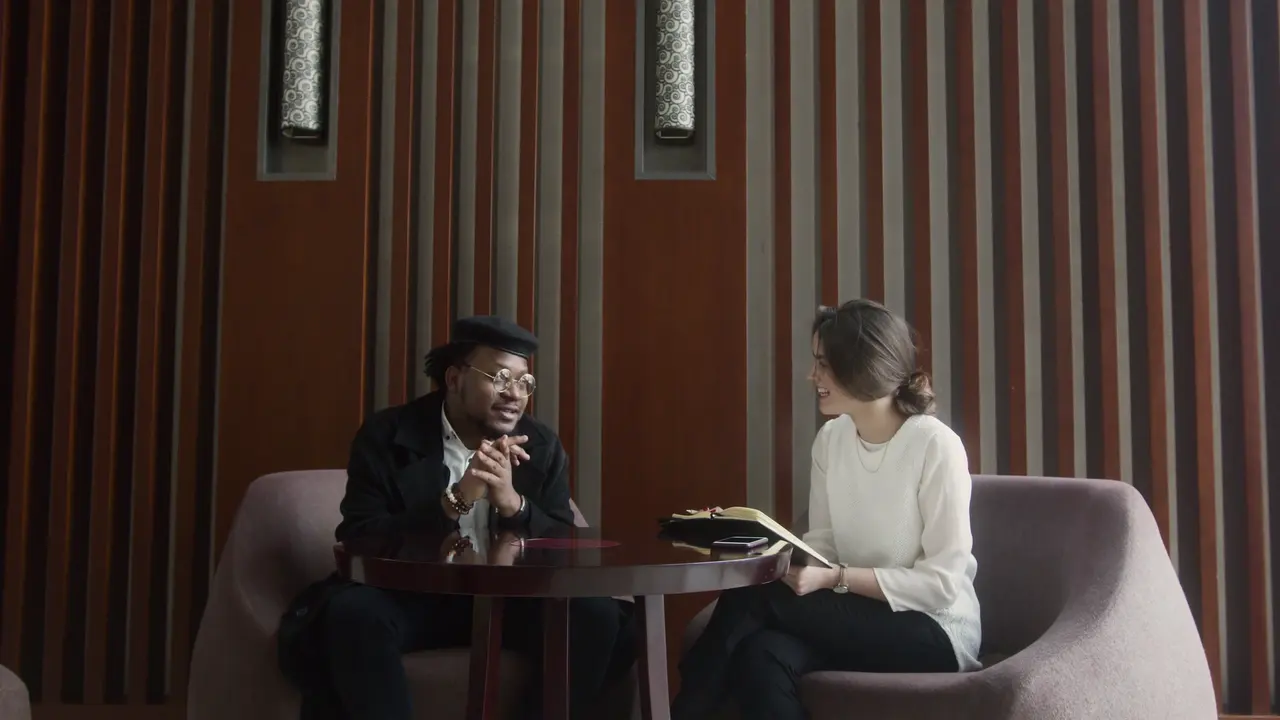
It stays on whoever is talking.
Auk Video follows the active speaker, so the vertical crop holds the person talking instead of the middle of the room. Move the framing yourself in the editor whenever you disagree with it.
Built for the silent scroll.
Timed to each word
The transcript carries a timing per word, so the highlight moves with the speech.
Styles to pick from
Minimal, Karaoke Fill, Paper Card and the rest, chosen in the editor or set on a template.
Editable inline
Font, weight and emphasis colour, changed right on the clip.
Review, then ship
Reframe position, captions, style, all yours. Export in one click.
Set your look once. Every clip comes out in it.
Keep one per show. Changing it later never touches a clip you already have.
Pick a style, with your font and colours. The spoken word lights up.
Each clip gets its own title, in the look you pick, moving your way.
Calm, Lively or Punchy: from a fading title to a zoom at every cut.
Save each show's look as a template. Pick it for new clips, or apply it to one you already have.