


The Klap alternative that lets you download clips before you pay.
| Feature | Auk Video | Klap |
|---|---|---|
| Picks moments to clip | Auk Video: yes | Klap: yes |
| Download clips on a free account | With watermark | Not available |
| Crop follows the speaker | Auk Video: yes | Klap: yes |
| Post and schedule without paying | Auk Video: yes | Paid plans only |
| Animated captions | Auk Video: yes | Klap: yes |
| Free trial | Free credits, no card | 1 video, no downloads |
| Layouts for 3 and 4 people | Auk Video: yes | Klap: yes |
| Intro and outro | Scenes you design | Uploaded video files |
| Facecam layout for streams | Auk Video: yes | Klap: yes |
Compared on from each company's public pages; features and plans may change. Klap is a trademark of its owner; Auk Video is not affiliated with it.
Why switch from Klap to Auk Video
An editor anyone can use
Delete a word in the transcript and it leaves the video. Undo anything, and every change saves itself. No editing experience needed, and it works on your phone too.
It knows who is talking
Auk Video finds every face in the shot and matches it to the voice, so the crop lands on the person speaking, moment by moment, and starts fresh at every cut.
The right layout for every shot
One speaker, two, a panel of four, slides or a stream with a facecam: Auk Video picks the layout shot by shot, and you can change any of them in a click.
Your week of posts on one calendar
Schedule clips to TikTok, Instagram Reels and YouTube Shorts and see every post on one calendar. Pick a free hour and fill it in seconds.
Your brand on every clip
Save your captions, fonts, colours, intro and outro as a template, and every clip from every video comes out looking like you.
Ready for every app's buttons
Safe zones show where TikTok, Reels and Shorts put their buttons, so you can keep captions and titles clear of them.
How to switch from Klap in four steps
Create your Auk Video account
Go to www.auk.video and sign up with Google or email. You start with free credits, no card needed.
Bring the same video
Paste the link to your video on Home, or upload the file you gave Klap.
Pick captions and press Make clips
Choose one of 12 caption styles or a saved template. Drag the Section handles to clip only part of the video.
Review, download and post
Clips appear one by one and Auk Video emails you when they are done. Open any in the editor, then download the MP4 or schedule it to TikTok, Reels or Shorts.
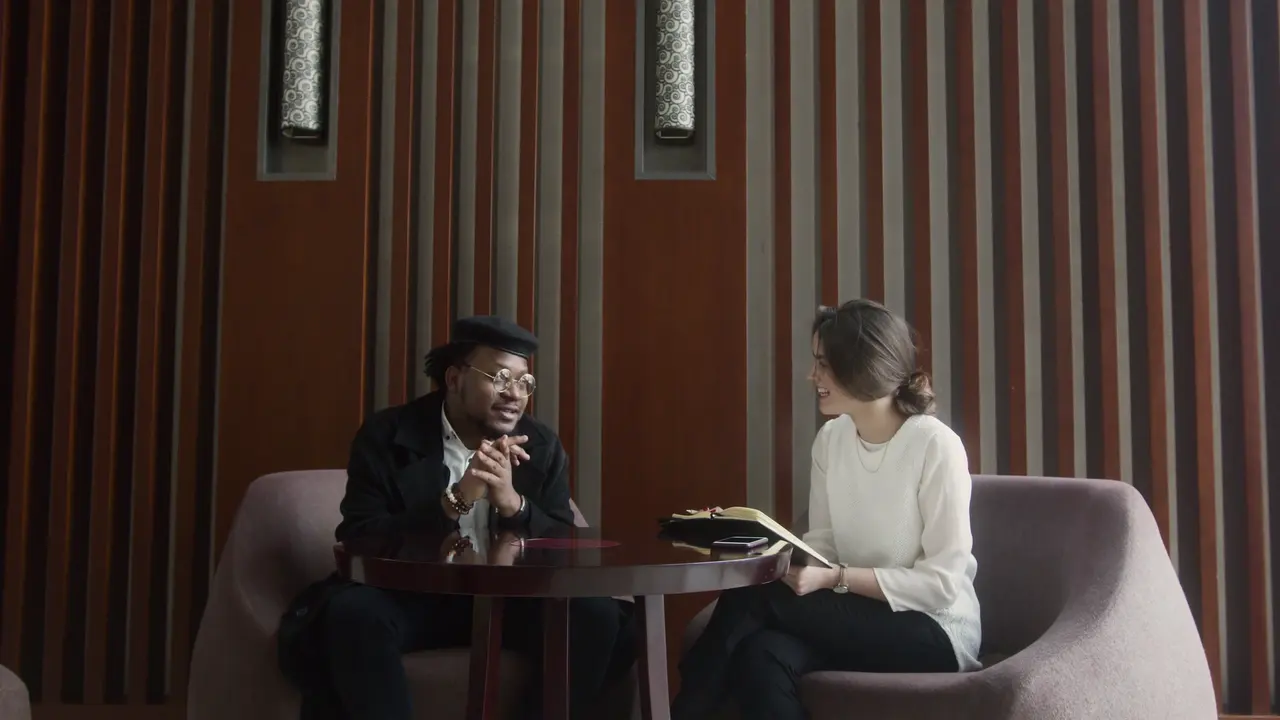
It stays on whoever is talking.
Auk Video follows the active speaker, so the vertical crop holds the person talking instead of the middle of the room. Move the framing yourself in the editor whenever you disagree with it.
Built for the silent scroll.
Timed to each word
The transcript carries a timing per word, so the highlight moves with the speech.
Styles to pick from
Minimal, Karaoke Fill, Paper Card and the rest, chosen in the editor or set on a template.
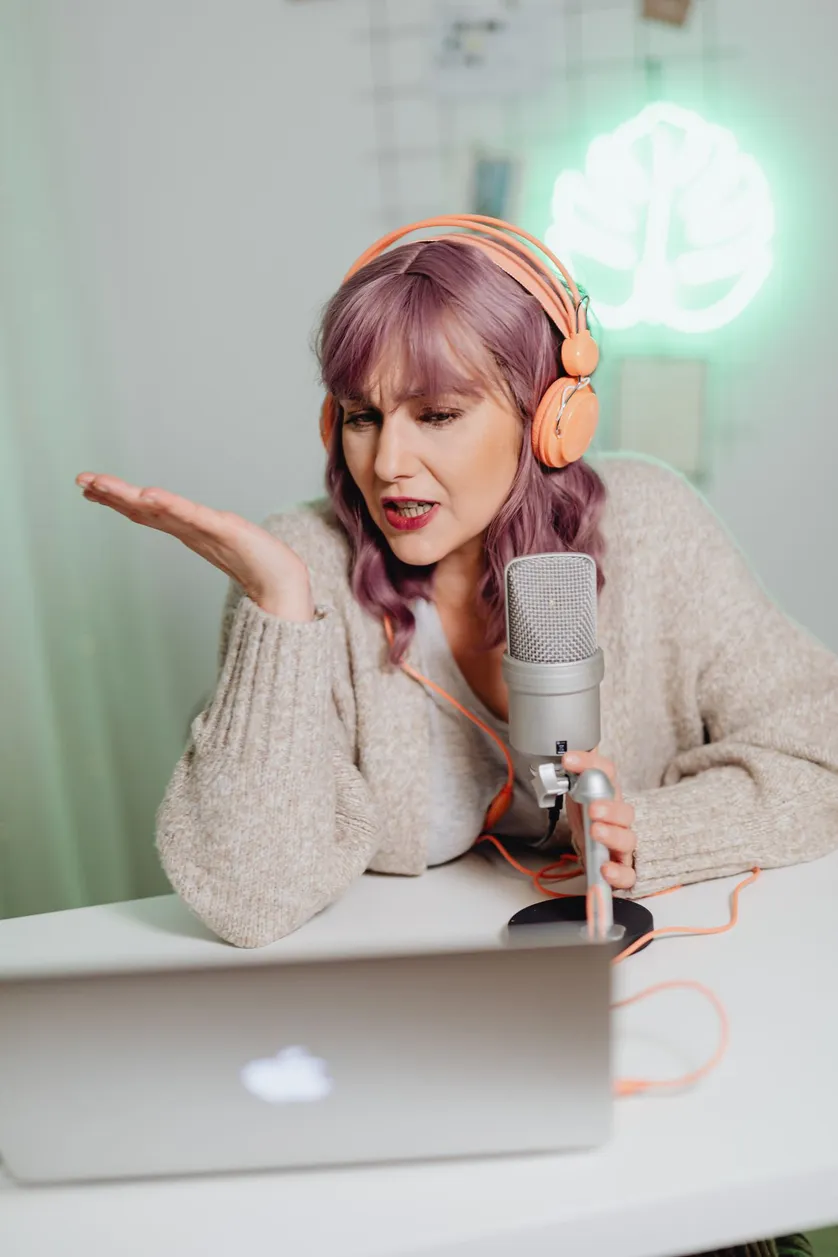
Editable inline
Font, weight and emphasis colour, changed right on the clip.
Review, then ship
Reframe position, captions, style, all yours. Export in one click.
Set your look once. Every clip comes out in it.
Keep one per show. Changing it later never touches a clip you already have.
Pick a style, with your font and colours. The spoken word lights up.
Each clip gets its own title, in the look you pick, moving your way.
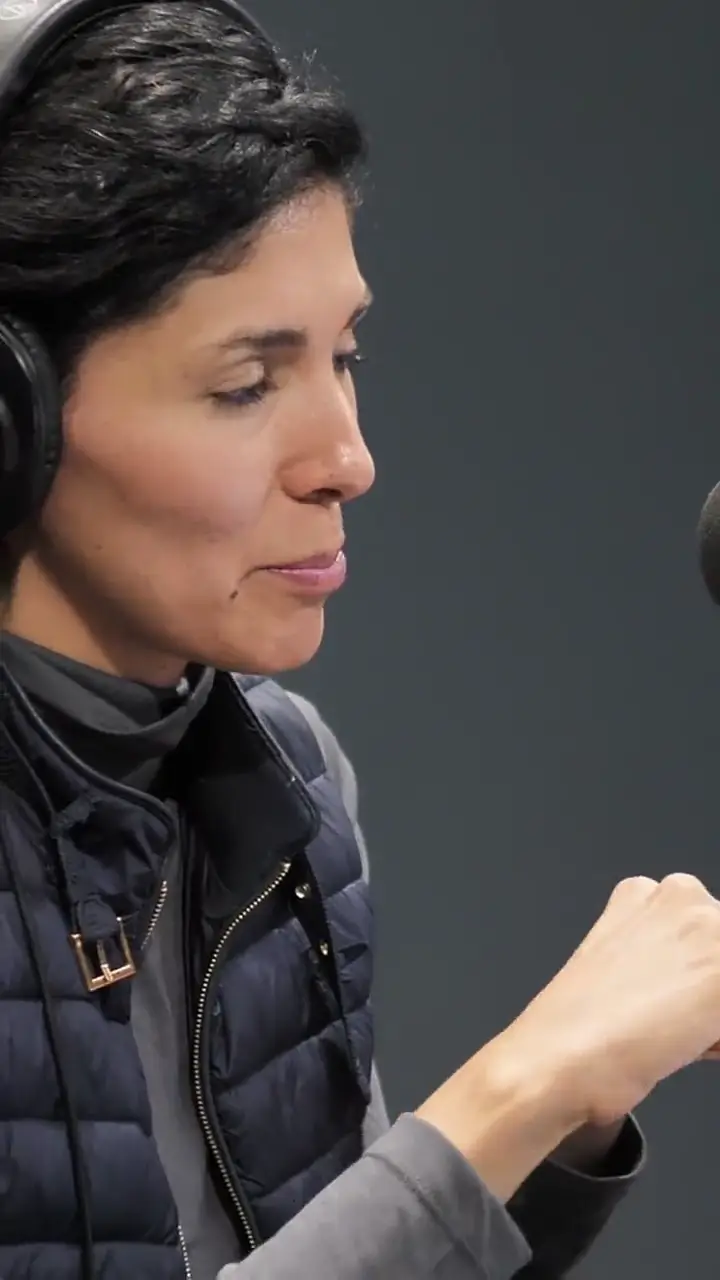
Calm, Lively or Punchy: from a fading title to a zoom at every cut.
Save each show's look as a template. Pick it for new clips, or apply it to one you already have.
Questions
Is Auk Video a good Klap alternative?
Yes, if you want to see real results before you pay. A new account can run its own video and download the clips, with a watermark, before choosing a plan. From there you get an editor built for anyone (delete a word in the transcript and it leaves the video, undo anything, edit from your phone), templates that put your captions, intro and outro on every clip, and one calendar for your posts to TikTok, Reels and Shorts.
Is there a free Klap alternative?
Yes. Auk Video gives a new account free credits with no card needed, and you can download and post the clips it makes before paying. Exports carry an Auk Video watermark only on the free plan; on a paid plan they are clean, and you can render your earlier clips again without it, for free.
Does Auk Video add a watermark?
Only on the free plan. A new account can run its own video and download every clip with a small Auk Video watermark; on a paid plan new exports are clean, and you can render your earlier clips again without it, for free.
Does Auk Video have a free trial?
Instead of a timed trial, Auk Video gives a new account free credits once, with no card needed, enough to try it on your own video, or a Section of a long one, and download every clip. The full editor, templates, effects and the posting calendar are all included. Exports carry an Auk Video watermark only on the free plan; on a paid plan they are clean, and you can render your earlier clips again without it, for free.
Klap vs Auk Video: which should I choose?
Choose Auk Video if you want to download and schedule clips before paying, or design your own intro and outro scenes for every clip. Both tools find moments, crop to the speaker, handle panels of up to four people and put a facecam over gameplay.
What does every Auk Video plan include?
Every plan, including free, has the full editor (on a phone too), templates with your captions, intro and outro, effects, automatic layouts for one to four people and a facecam, and the calendar for scheduling posts to TikTok, Reels and Shorts. Plans differ only in how many credits they give and whether exports carry the watermark.